Tap Tempo vs. Metronome: Key Differences and When to Use Each
Learn the difference between tap tempo and a metronome, how each works, and how to troubleshoot common BPM detection mistakes like half-time and double-time.
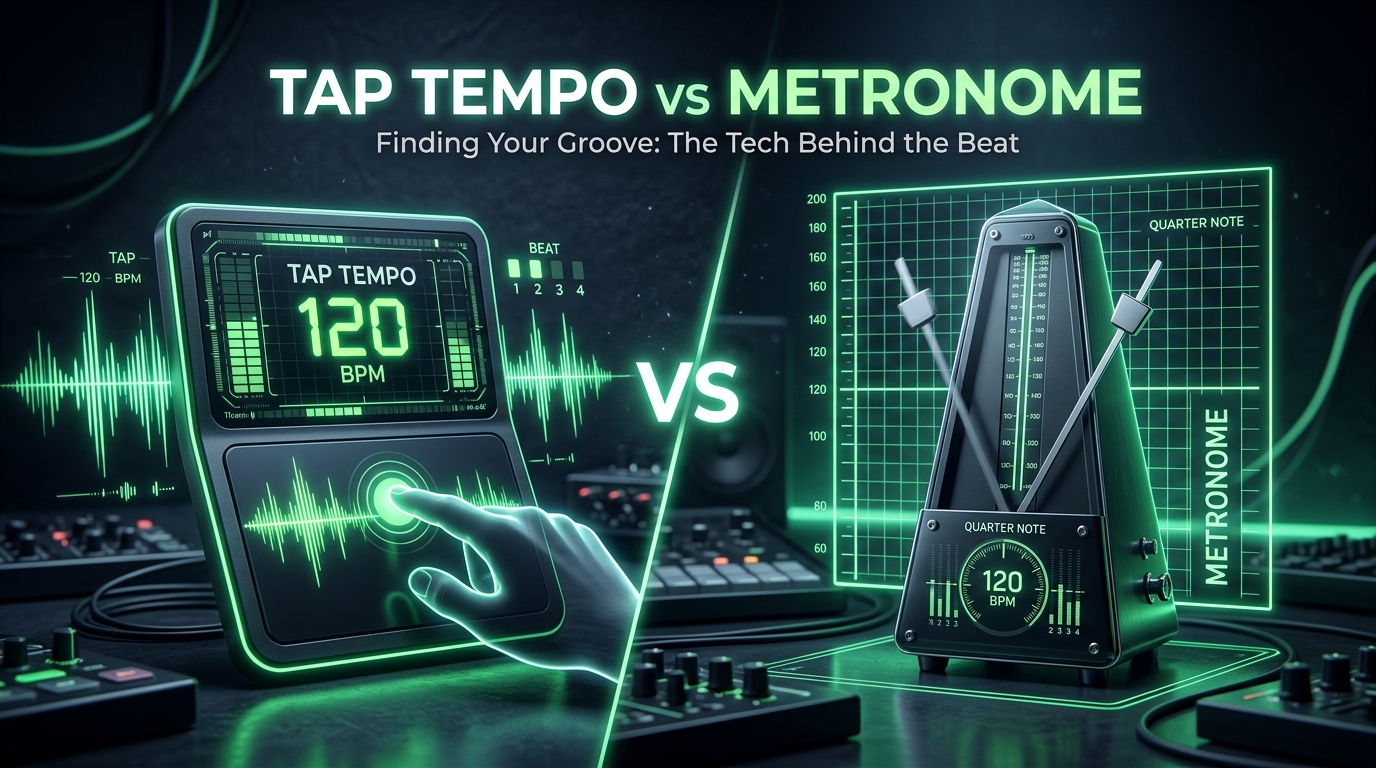
Two tools frequently sit side-by-side in every music app, hardware pedal, and DAW. Both feature a pulse or a click. Yet in daily studio practice, they perform opposite functions:
Tap tempo turns music into a number. A metronome turns a number into sound.
One is a measurement tool; the other is a timing reference. Confusing their roles wastes time—like waiting for a metronome to tell you the speed of a vinyl record, or wondering why tap tempo stops working the moment you pick up your guitar.
Here is how each tool works, their fundamental differences, and how to combine them in a real-world production or practice workflow.
What is Tap Tempo?
Tap tempo is an input measurement tool. When you hear a groove—from a live band, a sample on your turntable, or a speaker at a venue—you tap along with the pulse using a key, pad, or mouse button.
The software registers the exact timestamp of each tap, measures the intervals between them, and translates that duration into Beats Per Minute (BPM):
$$\text{BPM} = \frac{60{,}000}{\text{Average interval in milliseconds}}$$
For example, an average gap of 500 ms yields 120 BPM, while 667 ms yields roughly 90 BPM.
To prevent erratic readings caused by human finger jitter, most tools calculate a rolling average across the last 4 to 8 taps. Many tap tempo tools—including MUSICTOOL's Tap Tempo—automatically clear the counter after two seconds of inactivity so you don't accidentally average two different songs together.
Key takeaway: Tap tempo requires no audio file or plugin routing. It works directly from human listening, making it ideal for live performance, crate digging, and quick reference checks.
Try it yourselfTap TempoOpen →What is a Metronome?
A metronome is an audible reference generator. You specify a target tempo—such as 95 BPM—and the tool outputs continuous clicks at exact intervals until you pause it.
While mechanical metronomes rely on pendulums and counterweights, digital metronomes schedule pulse events directly against an audio clock. In a modern browser environment, Web Audio scheduling binds clicks to AudioContext.currentTime rather than standard JavaScript intervals, preventing the click from drifting even when your system is multitasking.
Key takeaway: A standalone metronome cannot listen to or analyze external music. It answers only one question: are you playing in time with the chosen grid?
Try it yourselfMetronomeOpen →Core Differences at a Glance
| Feature | Tap Tempo | Metronome |
|---|---|---|
| Primary function | Measures an existing rhythm into BPM | Emits an ongoing pulse at a set BPM |
| Input | Manual taps along to heard music | A predetermined BPM number |
| Output | BPM value (and millisecond intervals) | Continuous audible click or visual pulse |
| When you stop interacting | The reading locks; the tool stays silent | The click continues until paused |
| Timing source | Human tapping consistency | Audio engine clock scheduling |
| Primary use case | Sampling, DJing, ear training, delay sync | Instrument practice, vocal tracking, band rehearsal |
When to Use Which Tool
Use Tap Tempo when:
- DJing live or crate digging: You are listening to a record in headphones and need to verify if its tempo is close enough to mix into your current track without extreme pitch shifting.
- Dialing in time-based effects: Setting analog or plugin delay/reverb times to match a live drummer whose speed naturally fluctuates around a ballpark tempo.
- Sampling and transcribing: You hear a loop you want to chop in your DAW and need to know its base tempo before applying time-stretch algorithms.
Use a Metronome when:
- Practicing an instrument: Muscle memory naturally rushes technical passages and drags during simpler transitions. The click provides an objective benchmark to keep your timing honest.
- Tracking in the studio: Recording guitars, bass, or vocals to a click track ensures individual takes align cleanly on the DAW grid for editing, quantizing, and comping.
- Building tempo discipline: Gradually increasing tempo by 3–5 BPM intervals to build clean finger speed on difficult phrases.
10 Levels of Metronome Practice: From Basic Time to Advanced Syncopation
The Real-World Trap: Half-Time vs. Double-Time
In practice, musicians often bridge these two tools together: tapping out a track's tempo, entering that BPM into a metronome, and practicing along.
However, this workflow frequently runs into a common issue: octave tempo errors (half-time or double-time).
The Problem
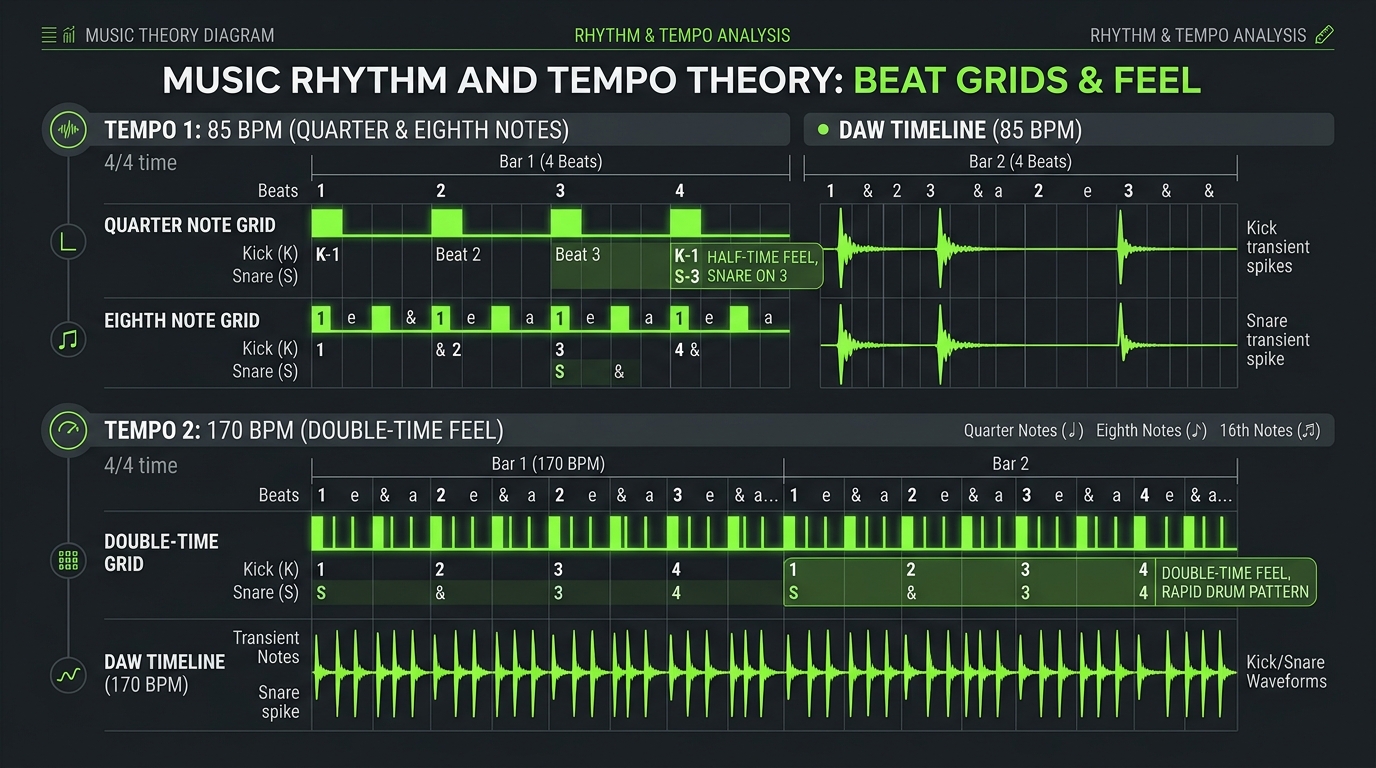
If a track is running at a laid-back 85 BPM, but you instinctively tap along to the hi-hat pattern (eighth notes) instead of the snare backbeat (quarter notes), your tap tempo tool will read 170 BPM.
Conversely, if you tap only on beats 1 and 3 of an upbeat 130 BPM pop tune, your tool will register 65 BPM.
How to Verify
- Tap along to the track for 8 consecutive beats in Tap Tempo.
- Transfer that BPM into the Online Metronome and hit play while the song is running.
- Listen to the snare: In standard 4/4 time, the snare almost always lands on beats 2 and 4. If your metronome clicks four times between snare hits, you are in double-time. Halve your BPM value to find the true project tempo.
What About Audio Files?
Tap tempo is the fastest solution when sound is in the air, but human tapping always carries a margin of error (typically $\pm 1$–$3$ BPM depending on your timing).
If you have the actual audio file (.mp3, .wav, or .flac), manual tapping is unnecessary. An automated audio analyzer examines the waveform's spectral flux and transient markers.
Rather than relying on finger consistency, it mathematically estimates the song's primary tempo and detects its musical key, giving you both the BPM and Camelot wheel notation for harmonic mixing.
Try it yourselfKey & BPM FinderOpen →Frequently Asked Questions
Can a metronome find the tempo of a song?
Not automatically. A metronome has no microphone input or audio analysis engine. You would have to guess a tempo, start the click alongside the song, and manually adjust the slider until the pulses align—a slow process compared to tapping 4 beats in a tap tempo tool.
Can some devices do both?
Yes. Many digital delay pedals, drum machines, and modern metronomes feature a dedicated "Tap" button. On these devices, tap tempo acts as an input method to quickly set the metronome's internal speed, demonstrating how closely linked the two concepts are.
Why does my tap tempo number keep fluctuating?
Small fluctuations of 1–2 BPM are completely normal due to finger jitter and keyboard latency. Tapping for a longer continuous run (8 to 12 steady beats) will smooth out the rolling average. If the reading continues to drift significantly, the music itself may feature a live drummer playing without a fixed click track.
Summary: Tap tempo tells you how fast the music is going. A metronome keeps you from speeding up or slowing down. Use tap tempo to assess the world around you, and a metronome to keep your own playing honest.